How to Renew LetsEncrypt SSL Certificates
This only applies to existing domains that already have pre-existing certificates from LetsEncrypt.
If you have not noticed, when you are using Let’s Encrypt SSL certificates, they will only give the first SSL certificate for 3 months. Subsequently, you will need to generate/renew the SSL certificate.
If you are running custom droplets or servers, you might need to use the “sudo” command-line interface to renew it. This can apply to servers from DigitalOcean.com, Linode, Amazon AWS Machines and upCloud.
Step 1
Login to your SSH interface. Switch to sudomode if you prefer.
Step 2
Stop the NGINX or Apache web server, because letencrypt needs to use port 80 to bind the certificate.
Command (usable on CentOS 7x or similar):
sudo systemctl stop nginx
Once this is done, move on to step 3
Step 3
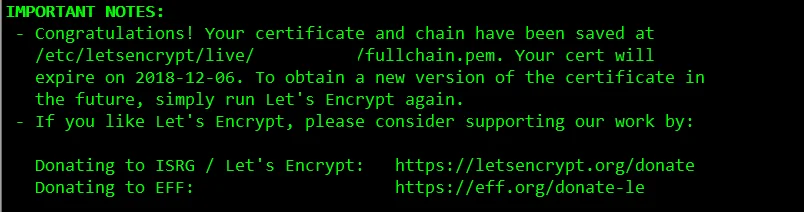
Now generate a certificate for your existing website. This is why we have used the sub-command certonly
sudo /usr/bin/letsencrypt certonly -d domain.com
Step 4
Once this is done, you need to start your web server again
sudo systemctl start nginx
Optional: You can find more information from this forum post at DigitalOcean.